Private by default
Your media, previews, metadata, and accounts stay on the machine you choose. Nothing goes anywhere unless you turn on an outside service yourself.
Local media organizer
Because it's yours. Cove gives a folder of files the things you'd expect from a streaming app, like search, tags, history, and good browsing, without moving anything off your own hardware.
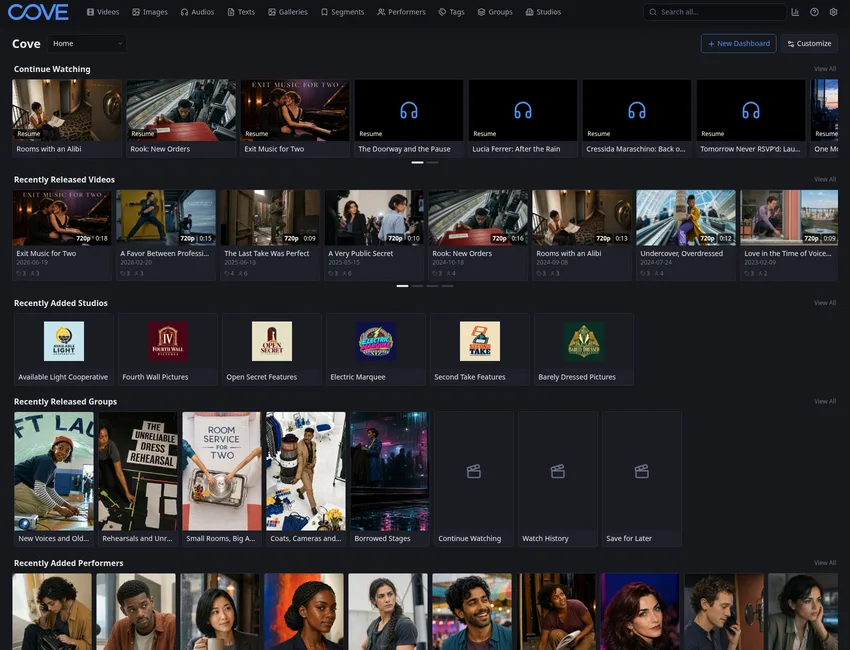
Your media, previews, metadata, and accounts stay on the machine you choose. Nothing goes anywhere unless you turn on an outside service yourself.
Search by people, tags, groups, studios, and titles instead of relying on folder names and memory.
Browse in a grid, feed, or vertical page, keep watch history and save-for-later lists, and share with the people on your network.
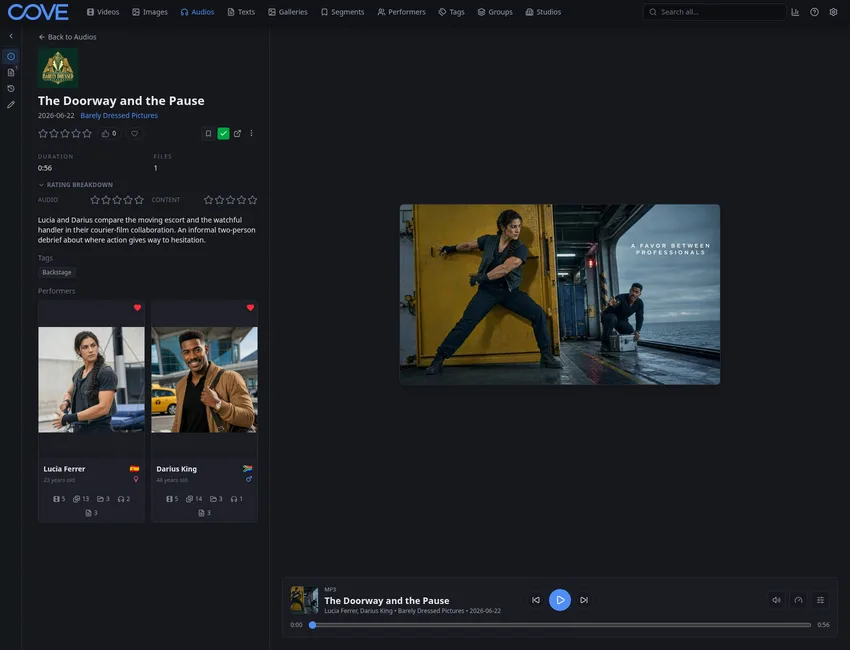
Keep more in one place
Cove isn't only for video. Videos, images, galleries, audio, and text live in one library, connected by people, tags, groups, studios, and your own notes, which makes the whole thing easier to search and easier to understand.
When folders stop being enough
Folder organization works until it doesn't. Once a library is large, shared, or hard to search, Cove's global search, saved filters, tagging, groups, and segments are what keep it usable.
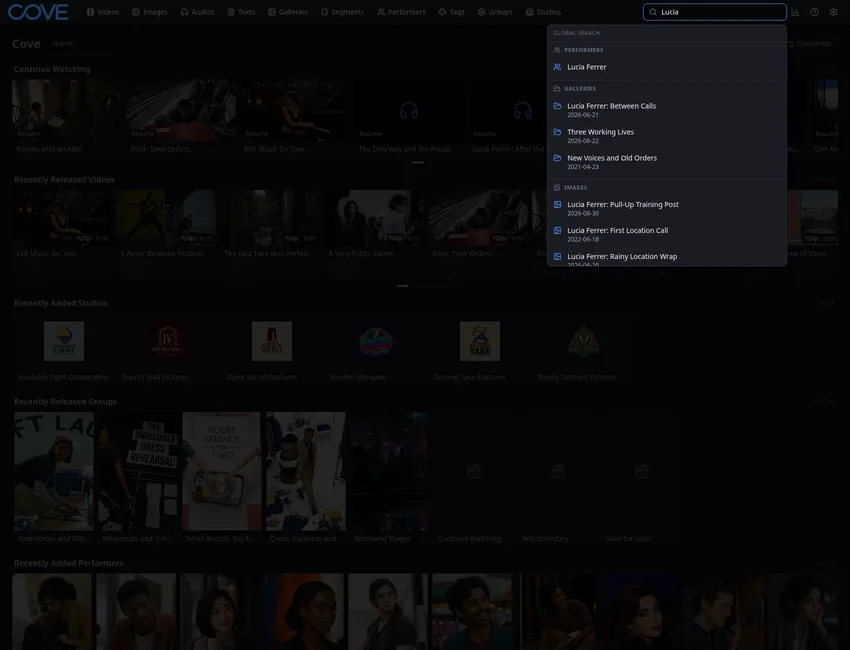
Software that keeps a media library on your own hardware and lets you search, browse, tag, and share it on your own terms.
Yes. One Cove library can hold videos, images, galleries, audio, and text together.
No. Cove runs locally and never asks you to create an account with anyone.
Yes. Users, roles, permissions, and share links let you share within your network safely.
Browse the feature tour to see search, tagging, feed browsing, permissions, and extensions in the actual app.
Open the feature tourStart with the download page, then follow Get Started through first-run setup, your first scan, and a short library tour.
Go to downloadRead the FAQ for straightforward answers about privacy, sharing, library fit, and more specific use cases.
Open FAQ