Share one library safely
Give each person on your network their own account, with roles and permissions that control what they can see and do. Share links cover everything else.
Security docsCove turns your folders of videos, images, and audio into a fast, searchable library. It's free, open source, and runs entirely on your own machine. No account, no cloud.
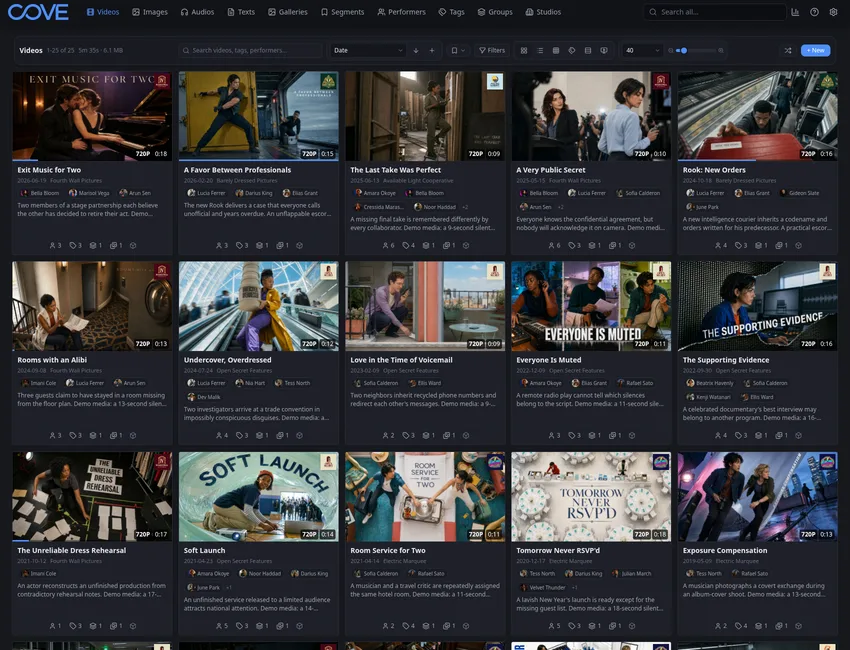 Default
  Dark Midnight
  Dark Emerald
  Dark Rose
  Copper Noir
  Golden Hour
  Signal Dark
  Liquid Glass
  Sunset Gradient
  Cyberpunk
  Deep Space
  Synthwave
  Ember
Ember  Cinema Dark
  Dark Ocean
  Rainbow
 Start in minutes
The first scan builds your library, and search, tags, filters, and generated previews work right away. The deeper features stay out of the way until you want them: tagging the people in a scene, marking segments inside a video, groups that fill themselves based on rules, separate accounts for the people on your network, and an extension system for everything else.
Detailed organization
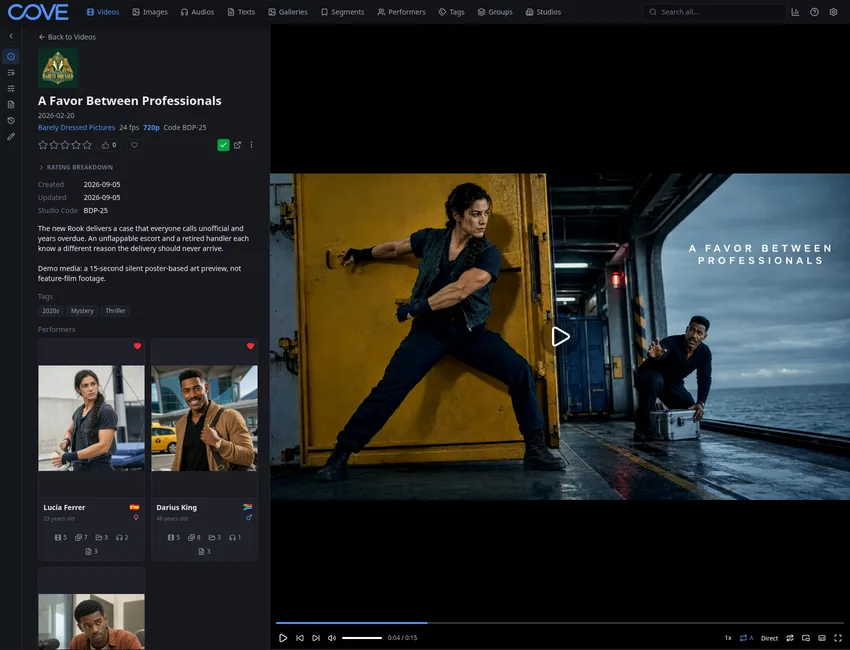
Cove keeps videos, images, galleries, audio, and text in one library, connected by the performers, studios, tags, and groups behind them. When a tag only applies to one person or one part of a video, you can put it exactly there.
Browsing
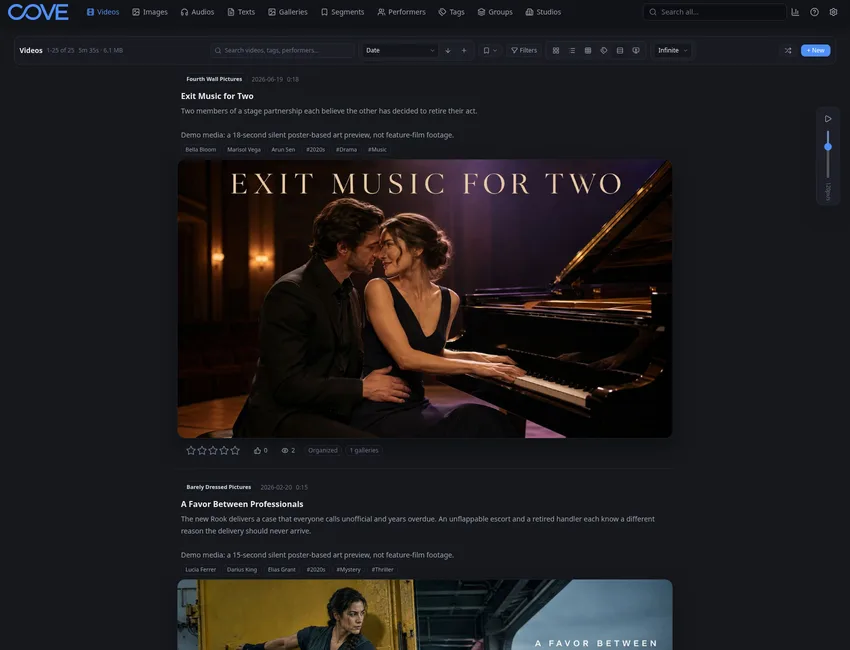
Grid and list pages are there when you want to sort and clean up. Feed and vertical pages are there when you just want to watch. Watch later, history, and continue watching make it easy to pick up where you left off.
Search
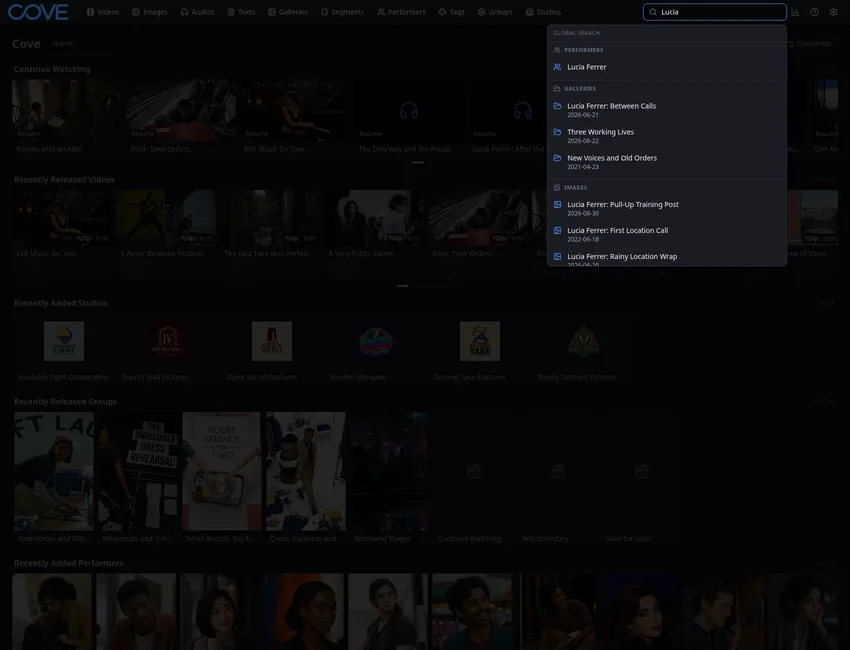
Search by title, tag, performer, studio, path, or group. Start broad with global search, then add filters when you need to narrow a big library down to one specific thing.
Give each person on your network their own account, with roles and permissions that control what they can see and do. Share links cover everything else.
Security docsDownloaders pull content in, and scrapers identify it and fill in the details. You review what gets applied, and Cove keeps track of where details came from.
Metadata and downloader docsExtensions can add downloaders, scrapers, pages, background jobs, settings, APIs, and themes. If Cove doesn't do something yet, there's probably a way to add it.
Extension guide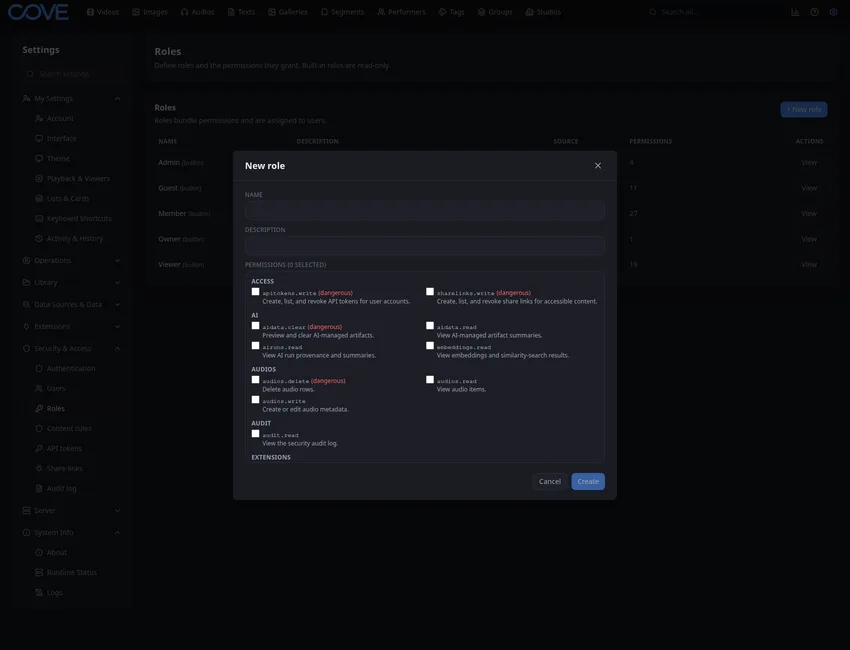
Private by default
Cove runs where you install it. Your files, metadata, accounts, and generated previews stay on the machine unless you set up sharing yourself, and sharing is scoped to the people and content you choose.
Download the native app or run it with Docker. Either way, Cove sets itself up on first launch and you can start scanning right away.
Download CoveStart with a supported installation, open the User Guide for everyday tasks, or use Developer and Reference for deeper work and exact behavior.
Open docs