Users, roles, and permissions
Give each person deliberate access with separate accounts, reusable roles, content rules, and scoped share links.
The access model
Cove supports more than one person using the same library. Avoid one shared login with full control: create a separate user for each person or integration identity, assign reusable roles for actions, and add content rules where record-level access should differ.
- Users sign in separately and keep their own activity.
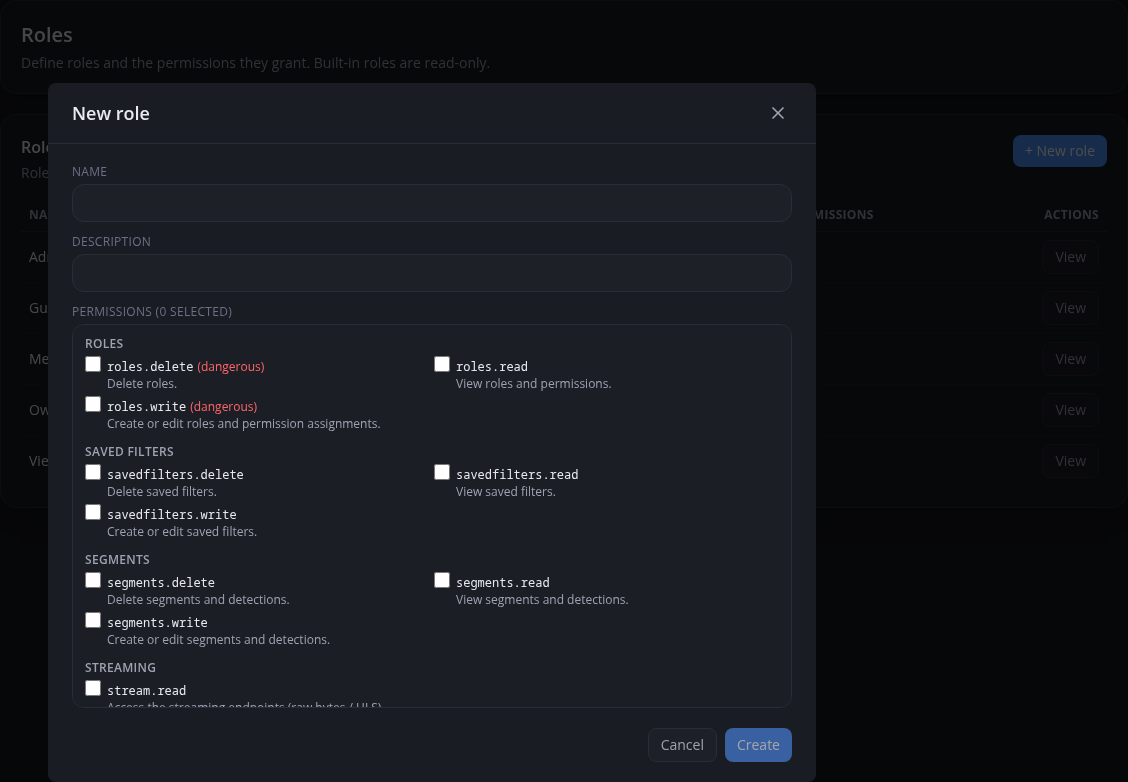
- Roles bundle action permissions such as browsing, editing metadata, managing downloads, or changing settings.
- Content rules make read access depend on the record and can narrow write or delete authority already supplied by a role.
- Share links and API tokens serve narrower access patterns; they do not replace deliberate account design.
A practical setup order
- Keep the owner account protected and use it sparingly.
- Create separate user accounts for people who should sign in directly.
- Define roles around actual responsibilities, granting the smallest set of permissions that still lets each person do their work.
- Assign those roles to users and change an assignment when a person's responsibilities change.
- Add content rules when access to library records should differ between people.
- Use share links for narrow access within your network instead of broad logins.
Roles versus content rules
Roles grant reusable action permissions. Content rules make access depend on the record: read rules can grant a matching slice, while write and delete rules can only narrow authority already supplied by a role. Use both when someone may perform an action but only on part of the library.
Share links
Create a share link when you want to expose selected content without giving someone a full account. Send the link for scoped access, then manage or revoke it from the same place later.
- Use a share link when access is narrow.
- Prefer an expiry when access is time-limited.
- Use an account instead when the person needs normal library navigation or ongoing personalized activity.
Internet exposure
If you expose Cove outside your local network, treat it like any self-hosted application that can access private media.
- Put it behind your own reverse proxy and TLS.
- Avoid exposing administrator accounts directly.
- Review roles and active share links regularly.
- Assume the security model is only as strong as the way you publish the service.