Search and filters
Use Cove search, filters, saved views, and browsing controls to move through a large media library quickly.
What to use first
Cove's list pages use the same controls across content types, so you can narrow a large library without relearning each page. Most of the time, start in this order:
- Choose the content page you want.
- Use search to narrow by the thing you remember.
- Apply filters when the result is still too broad.
- Save the view if you know you will come back to it.
What search is for
Search is best when you already know something concrete, such as part of a title, performer, tag, studio, group, or other meaningful metadata. It finds likely candidates quickly.
Search within a content page
The search field on a content page is scoped to that content type. It can match titles, descriptions, tags and their aliases, performers and their aliases, and studios.
Search across everything
Use global search when you are not sure where something lives. Results are grouped by content type so you can jump directly to an item without browsing each page first.
What filters are for
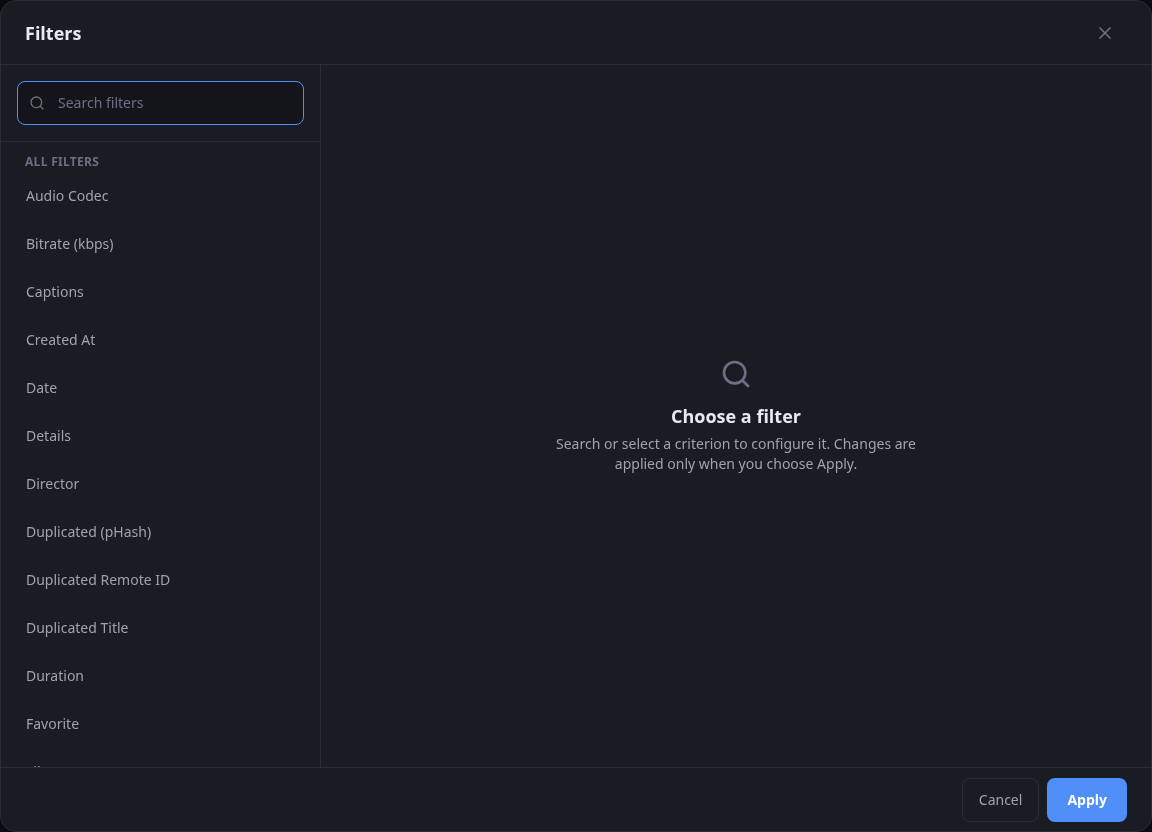
Filters deliberately shape a result set: for example, one orientation, items missing metadata, a specific rating or state, or a recurring review workflow. They turn 'somewhere in the library' into the exact slice you want now.
Remote ID filters
Videos, performers, studios, and tags provide a Remote ID filter. Enter the external identifier and optionally select a configured metadata service. Any metadata service searches identifiers across every endpoint. Cove stores the endpoint separately, so a saved filter that refers to a removed service keeps that endpoint as an unconfigured selection until you choose another service.
Equals, Includes, and Regex compare identifier values without regard to letter case. Their inverse operators also include records with no matching remote ID. With Any metadata service, Is Null and Not Null check whether a record has any remote ID; with a selected service, they are scoped to that service. Remote ID Count always checks the total number of remote IDs.
Go further with filters
Most searches need only a few ordinary conditions. When the relationship between those conditions matters, use Combine Filters. When you will use the same result set again, save it as a named filter or make it the page default.
View modes and page size
Search and filters work alongside sort order, view mode, page size, and feed or vertical-style browsing. A useful result set is not only about what it includes, but also how you plan to move through it next.
Recipes
Sorting changes the order of the current result set without changing which records it contains. These examples start simple and then add a stable tie-breaker.
Sort by one fieldOrder a video list by title.
- Open Videos and find the Primary sort control above the results.
- Choose Title.
- Use the adjacent direction button to switch between ascending and descending order.
Sort by multiple fieldsGroup videos by studio, then order each studio's videos by date.
- Open Videos and choose Studio as the Primary sort.
- Choose Add another sort to open Sort order.
- Choose Add sort, then set the new field to Date and its direction to descending.
- Keep Studio first and Date second. Use the move controls if you need to change their priority.
- Close Sort order. The compact control summarizes the active fields in priority order.