Your first hour with Cove
Start with files on disk and finish with a small, useful collection you can find again.
Choose where to begin
This path is for anyone using Cove; no development tools or extension knowledge are required. If Cove is not running yet, complete the installation and shared first-run setup before continuing. If you imported or restored an established library, begin with Explore your library.
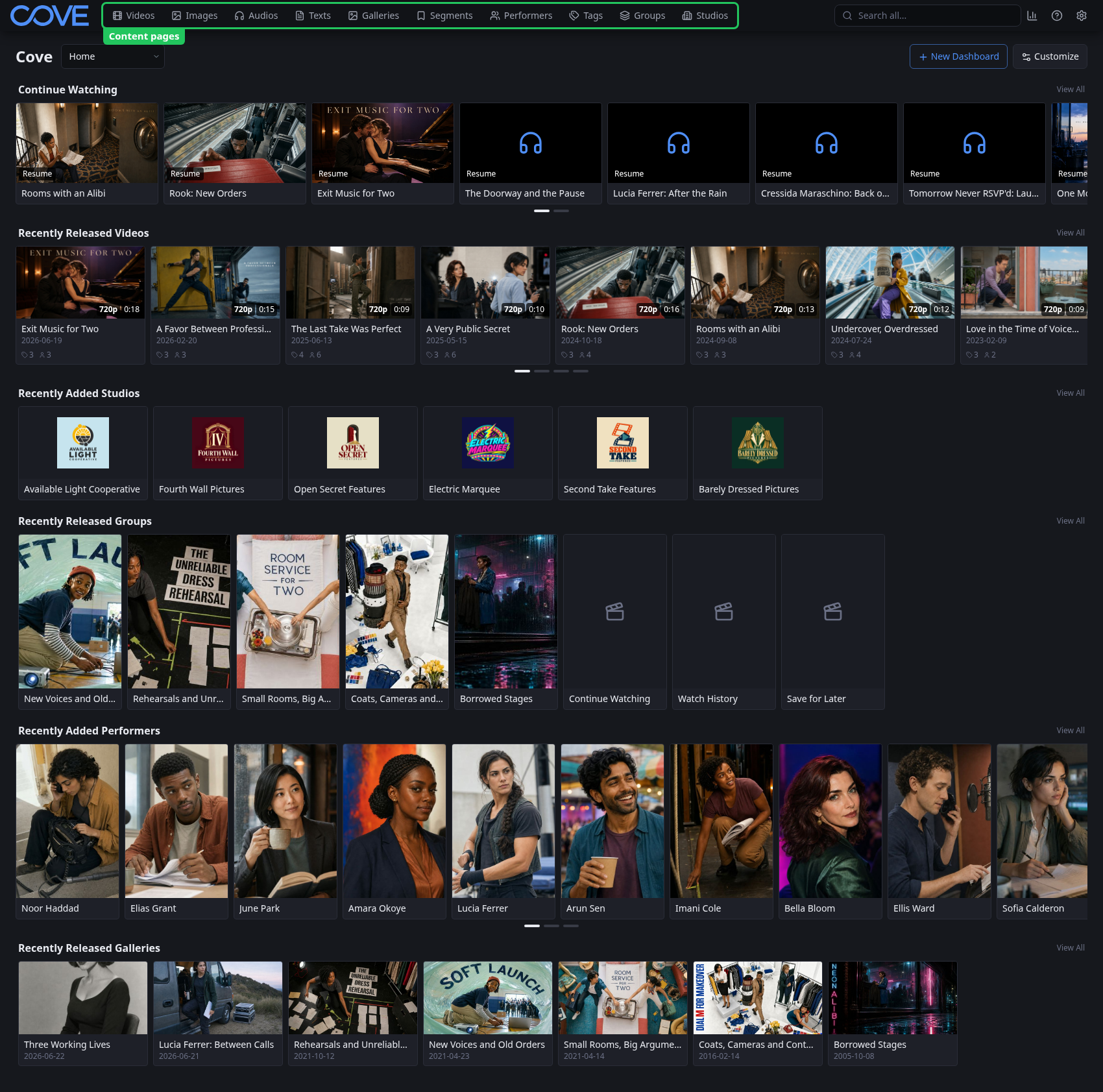
Connect one representative folder
Open Settings, then Library, then Paths & Storage. Add a folder that contains a small but representative sample of your media. Cove reads files in place; it does not move them.
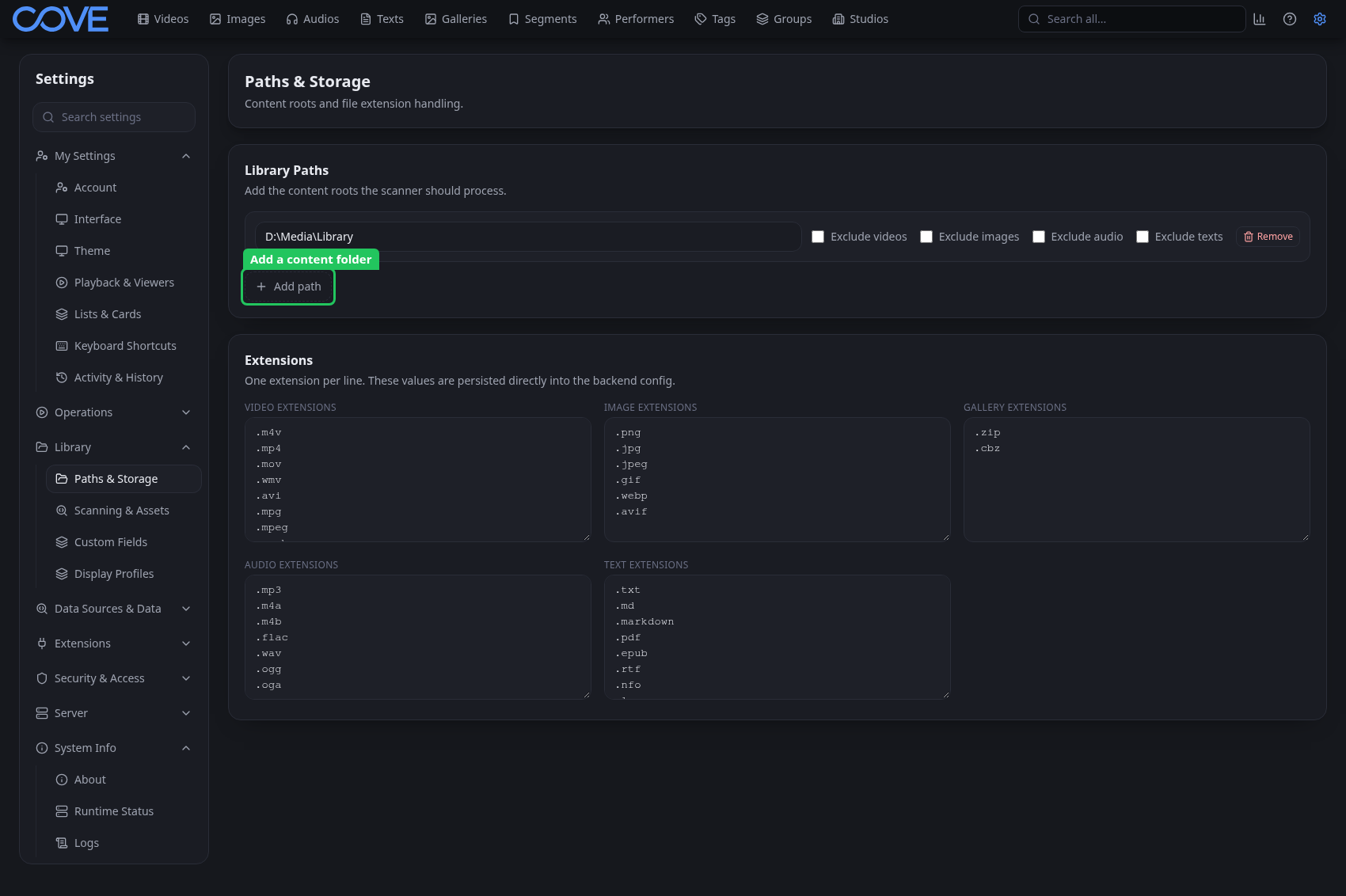
Scan, then generate browsing assets
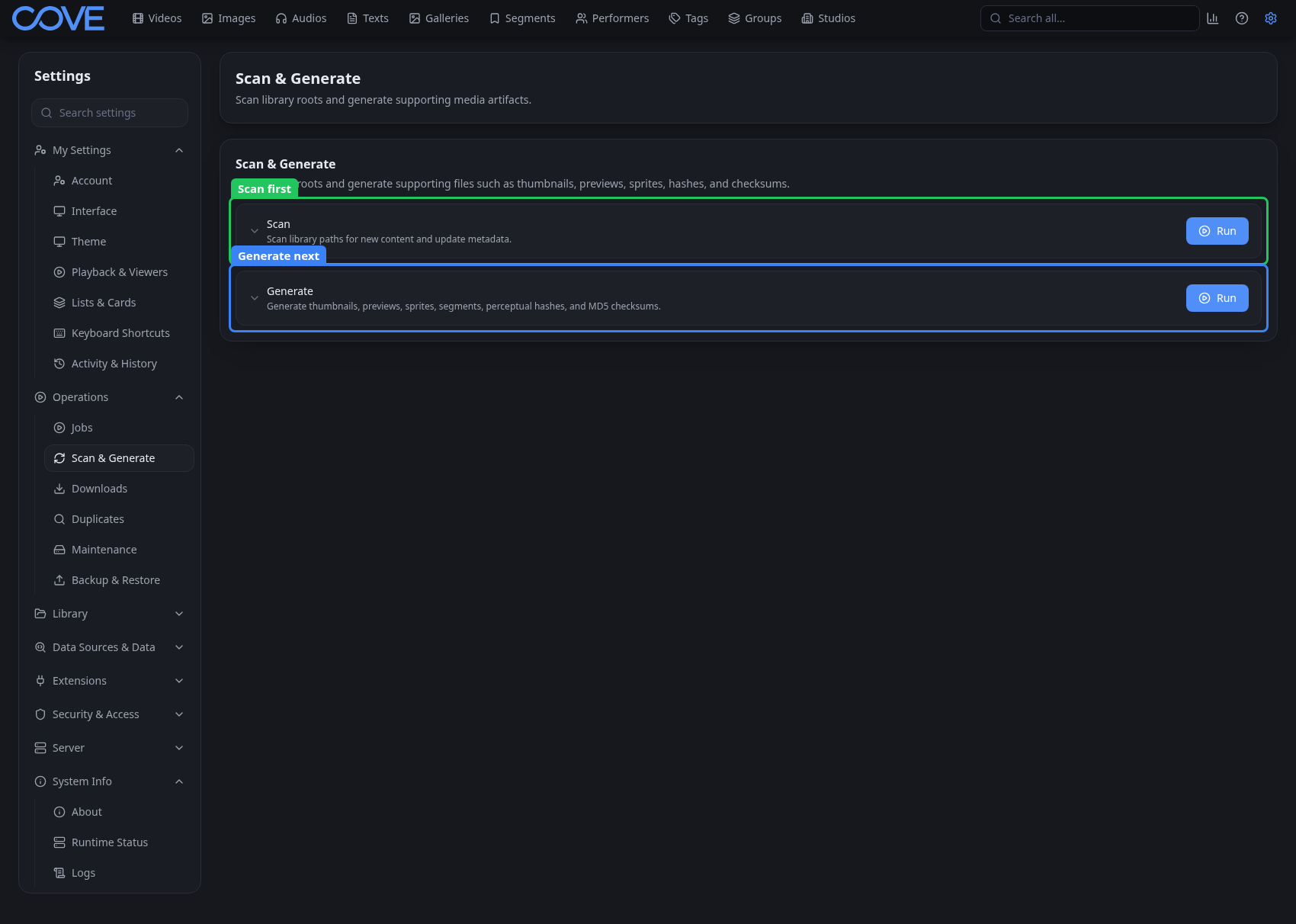
- Open Settings, then Operations, then Scan & Generate.
- Run Scan to discover files and create library records.
- Run Generate to create the previews, thumbnails, and sprites used while browsing.
- Let both jobs continue in the background while you inspect the first results.
Complete the first-hour path
- Scan your first library and verify the records Cove creates.
- Explore the home page, media navigation, cards, and detail pages.
- Find an item again with global search and list-page filters.
- Organize a small collection with useful metadata and a static group.