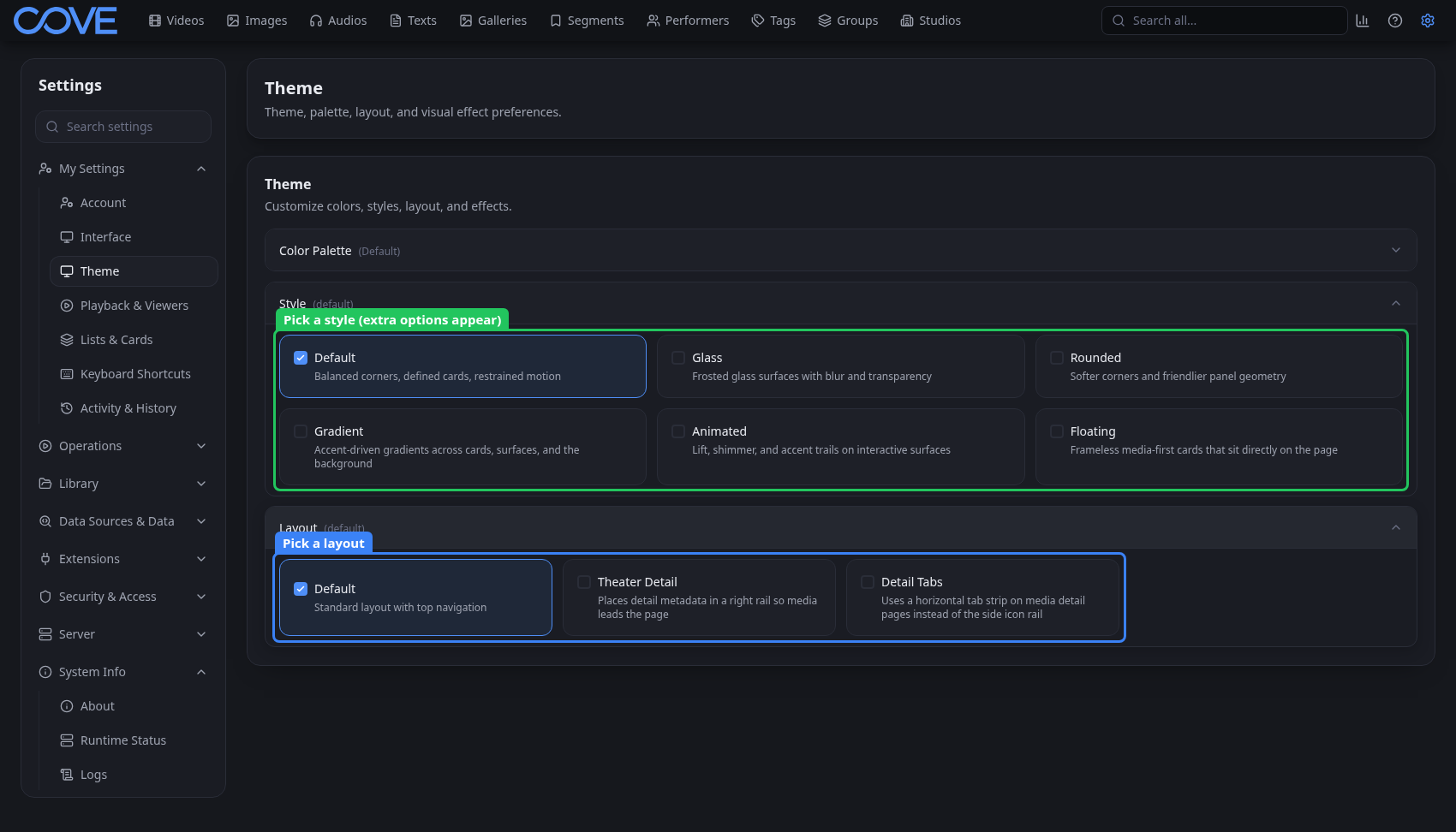
Customize themes and layout
Choose Cove's colors, surface style, layout, and visual effects.
Open your theme settings
Open Settings, expand My Settings, and choose Theme. These preferences belong to your account, so changing them does not alter another user's view of the same Cove server.
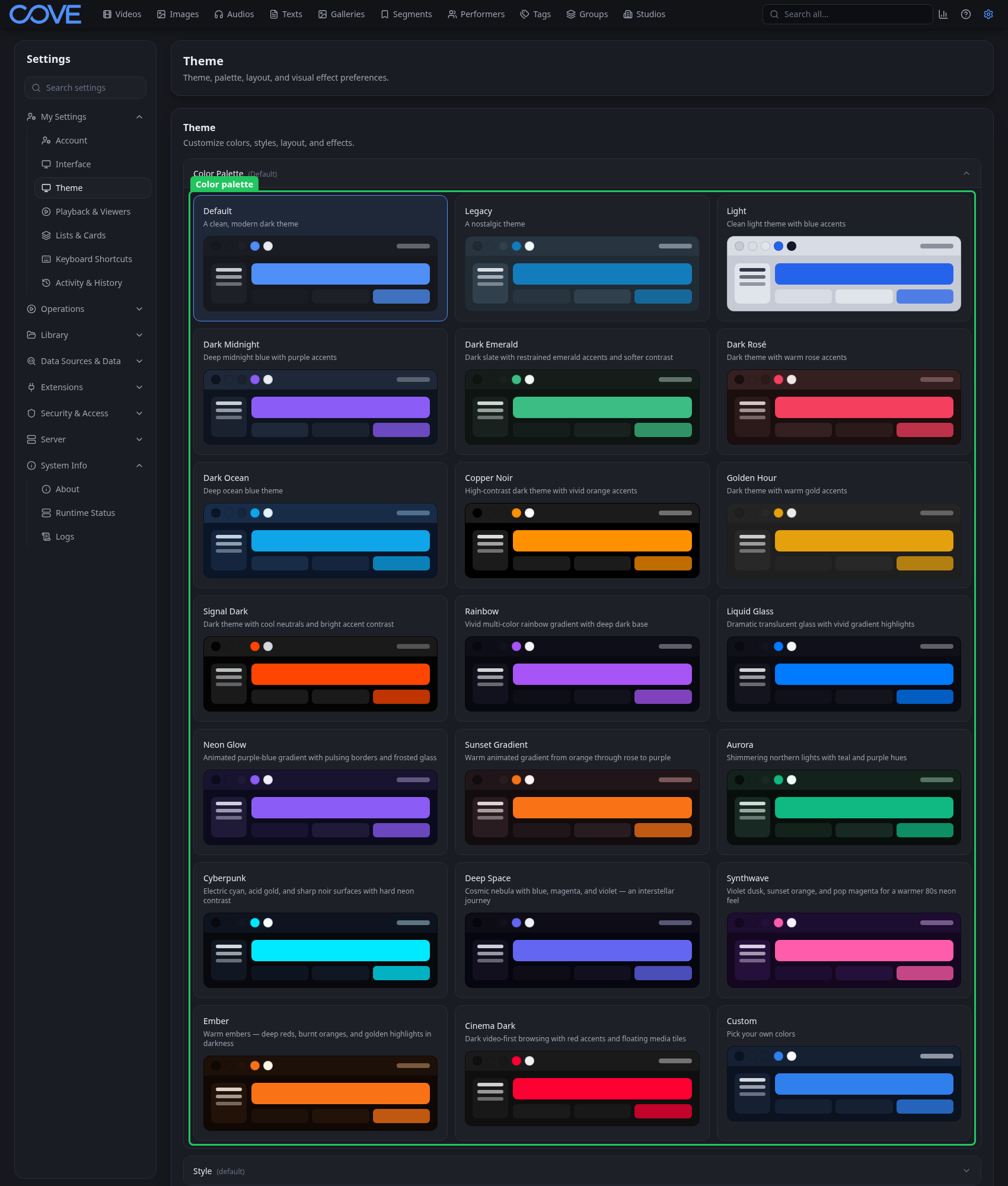
Choose a color palette
A palette sets the core background, surface, accent, text, border, and navigation colors. Select a built-in palette for a coordinated result or choose Custom when you want to control the colors yourself.
Choose a surface style and page layout
Style changes the treatment of surfaces and controls. Layout changes how navigation and page content are arranged. Additional effect controls appear when the selected style supports them.