Videos
Browse and play videos, work with their files and timelines, and choose video-specific views and actions.
Keep the video record separate from its files
A video is the library record that owns its title, description, relationships, and other shared metadata. Attached files own technical properties such as path, resolution, codecs, duration, and fingerprints. One video can have no file, one file, or several files.
Choose a view for the way you want to watch
Use Grid for cover-oriented browsing, List for denser comparison, Wall for visual browsing, or Tagger for metadata review. Feed and Vertical Viewer provide continuous playback layouts and load results as you move through them.
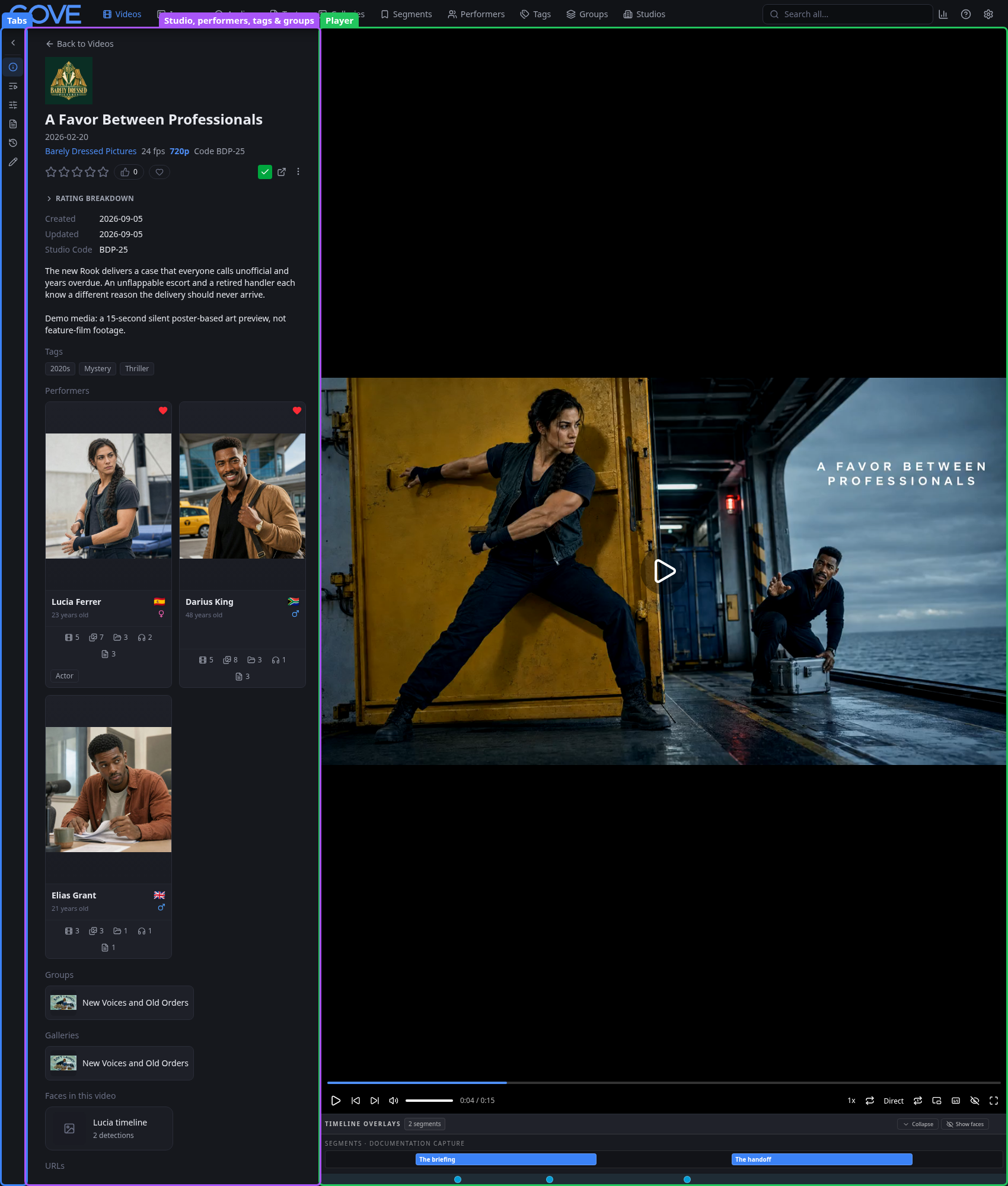
Open a video to play it, resume where you left off, review its relationships and history, inspect attached files, or edit metadata. Available tabs and actions depend on permissions, configured services, and installed extensions.
Use the timeline without duplicating media
Segments mark points or ranges on a video. A sub-video presents a range from a parent video as its own video record while reusing the parent's media. Compilations play chosen videos or ranges in an ordered group.