Audio
Play sound-first media, organize tracks and timeline ranges, and connect audio to the rest of the library.
Play and organize sound-first media
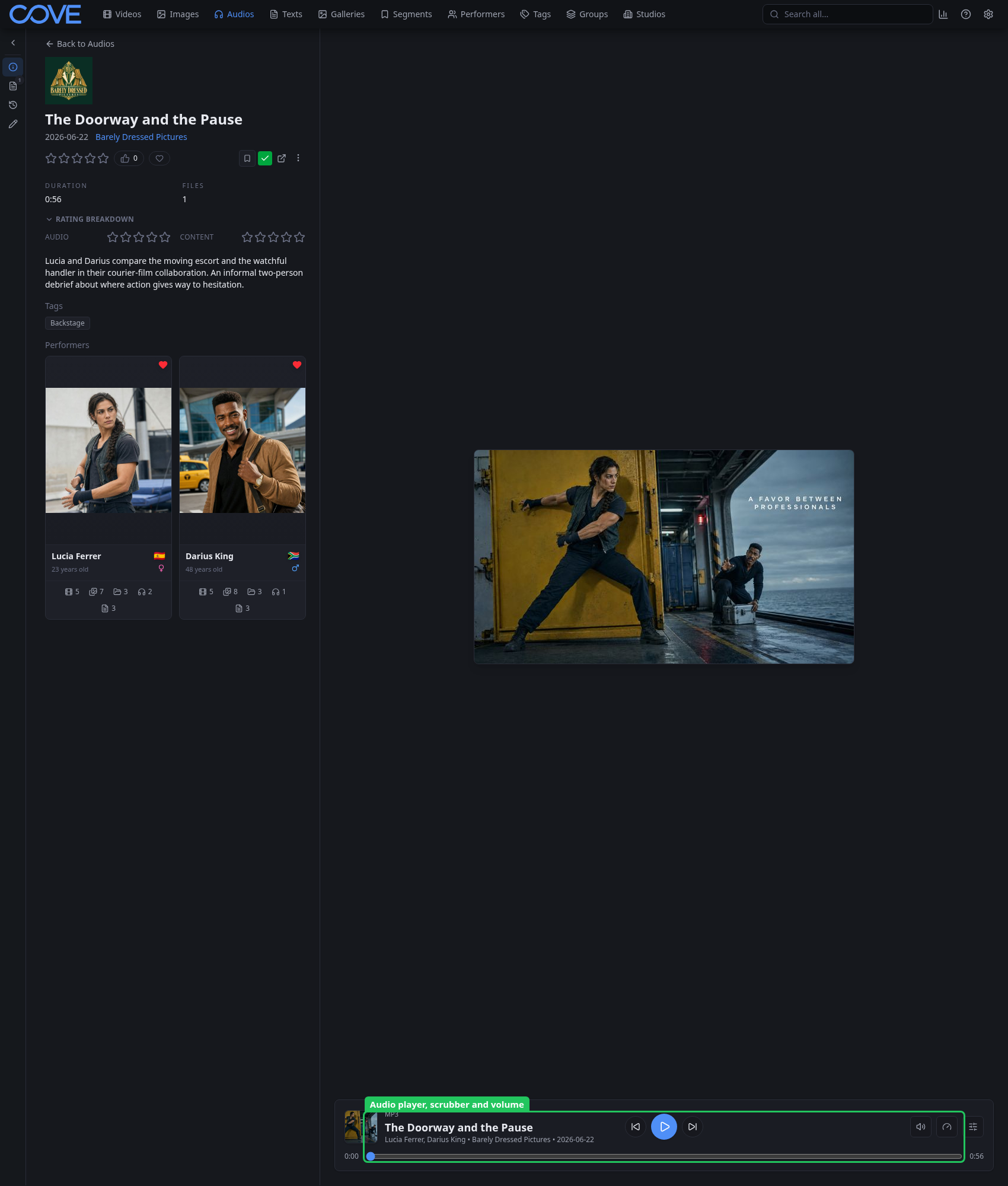
An audio record represents sound content without requiring a video component. Its detail page combines the player with descriptive metadata and relationships. Play or pause, scrub to a position, change volume, and connect the item with ratings, tags, performers, studios, and groups.
Describe meaningful parts of the timeline
Audio tracks describe named, ordered ranges without turning every range into a separate primary record. Raw segments can preserve points or ranges supplied by users, metadata providers, or analysis workflows.