Use list pages
Sort, filter, change views, and act on cards with the controls shared by Cove's media lists.
Learn one toolbar for every media list
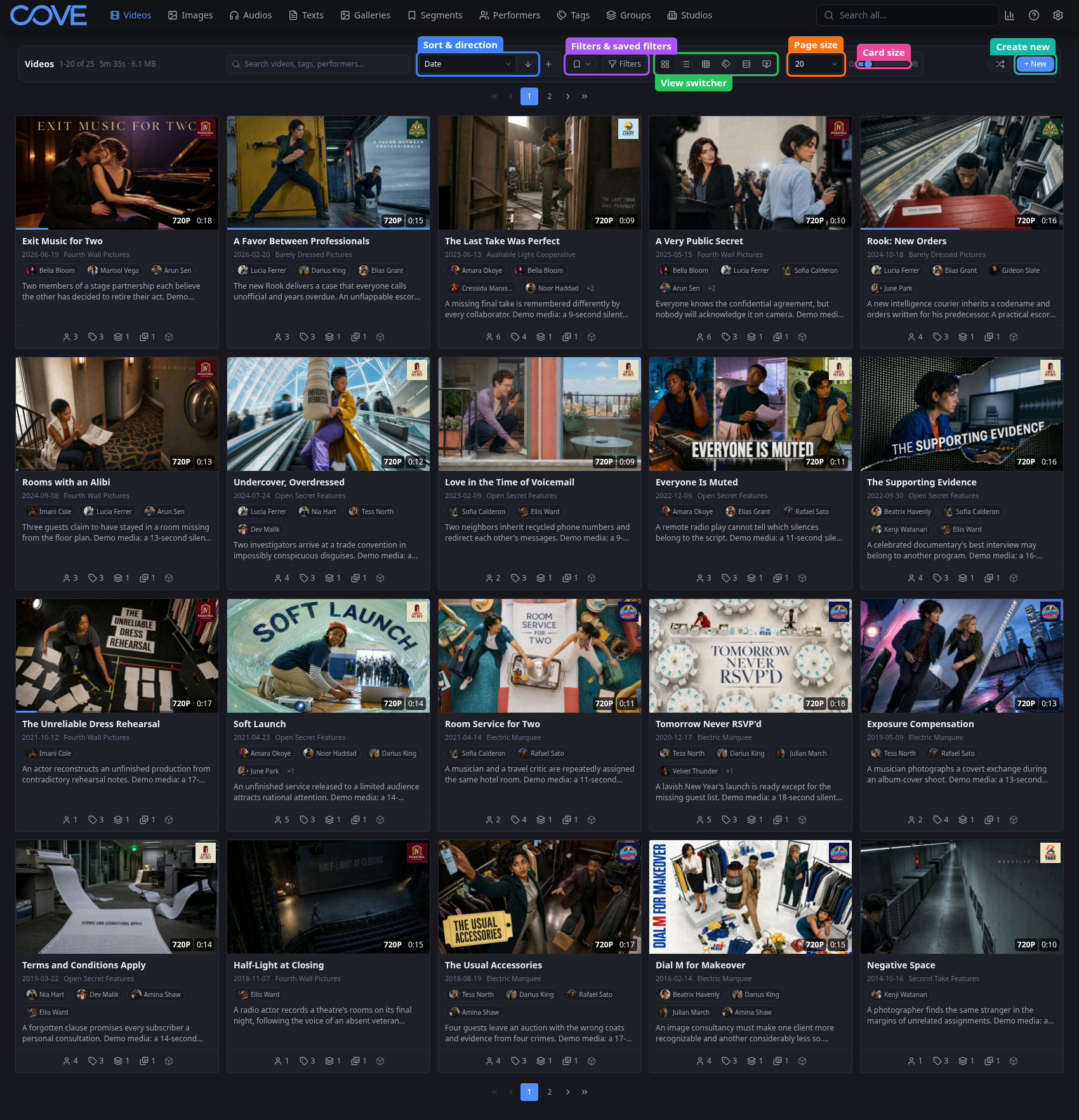
The media lists use the same core toolbar. Search the current type, choose a sort and direction, open filters, switch layouts, set the page size, and adjust card size without learning a different workflow for each page.
Shape the result set before browsing
- Search narrows the current media type; global search in the navigation searches across types.
- Sort controls choose both the field and direction.
- Filters can be combined and saved for reuse.
- Page size controls how many items load. Infinite removes page-by-page navigation for a continuous list.
- Card size trades detail for density without changing the result set.
Use the actions attached to each card
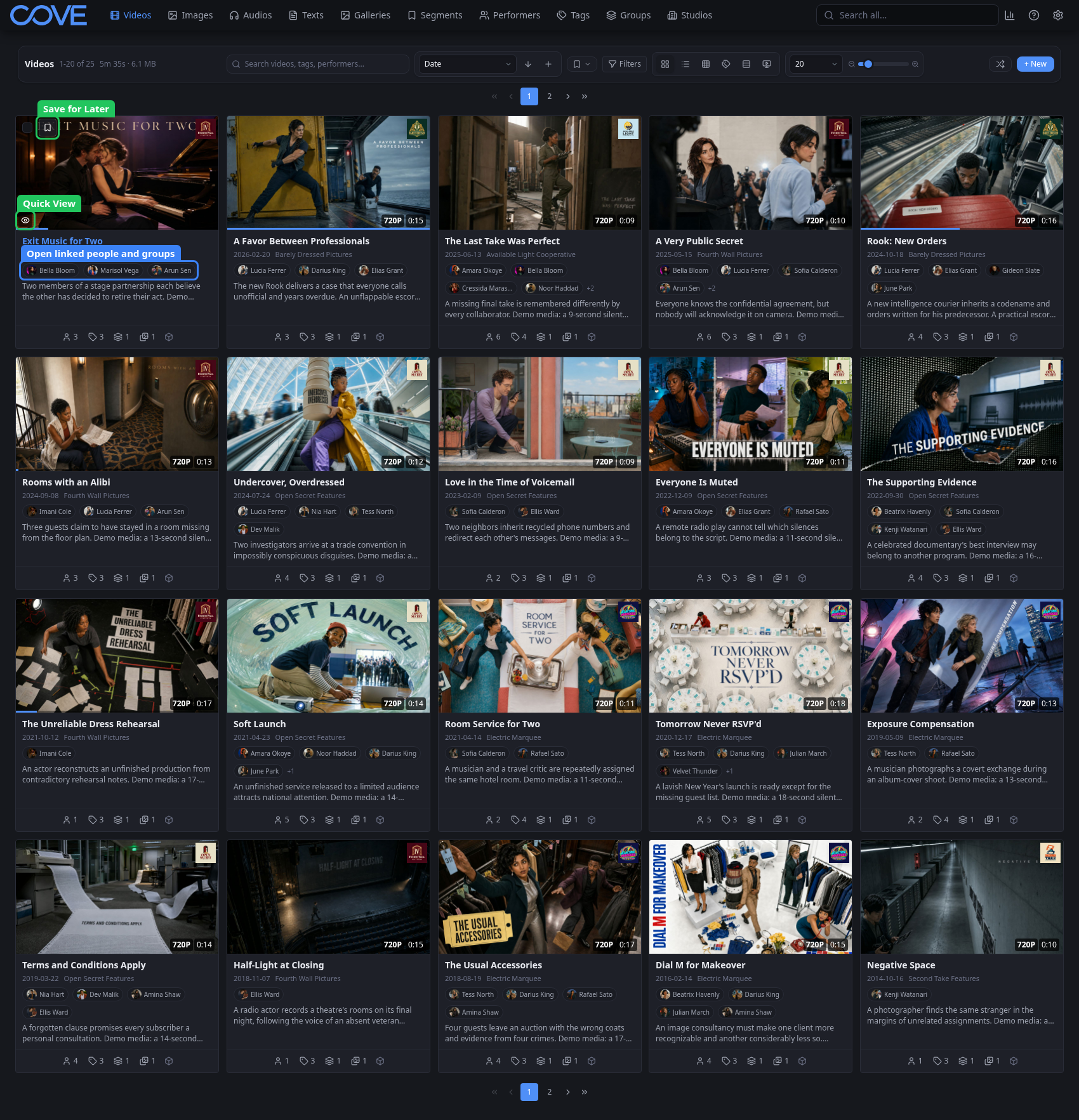
A card is also a launch point. Its menu exposes actions such as Save for Later and Quick View, while linked chips open related performers, tags, studios, or groups without first opening the item.