Browse studios
Use studio pages to explore sources, their media, and nested studio relationships.
See everything associated with a studio
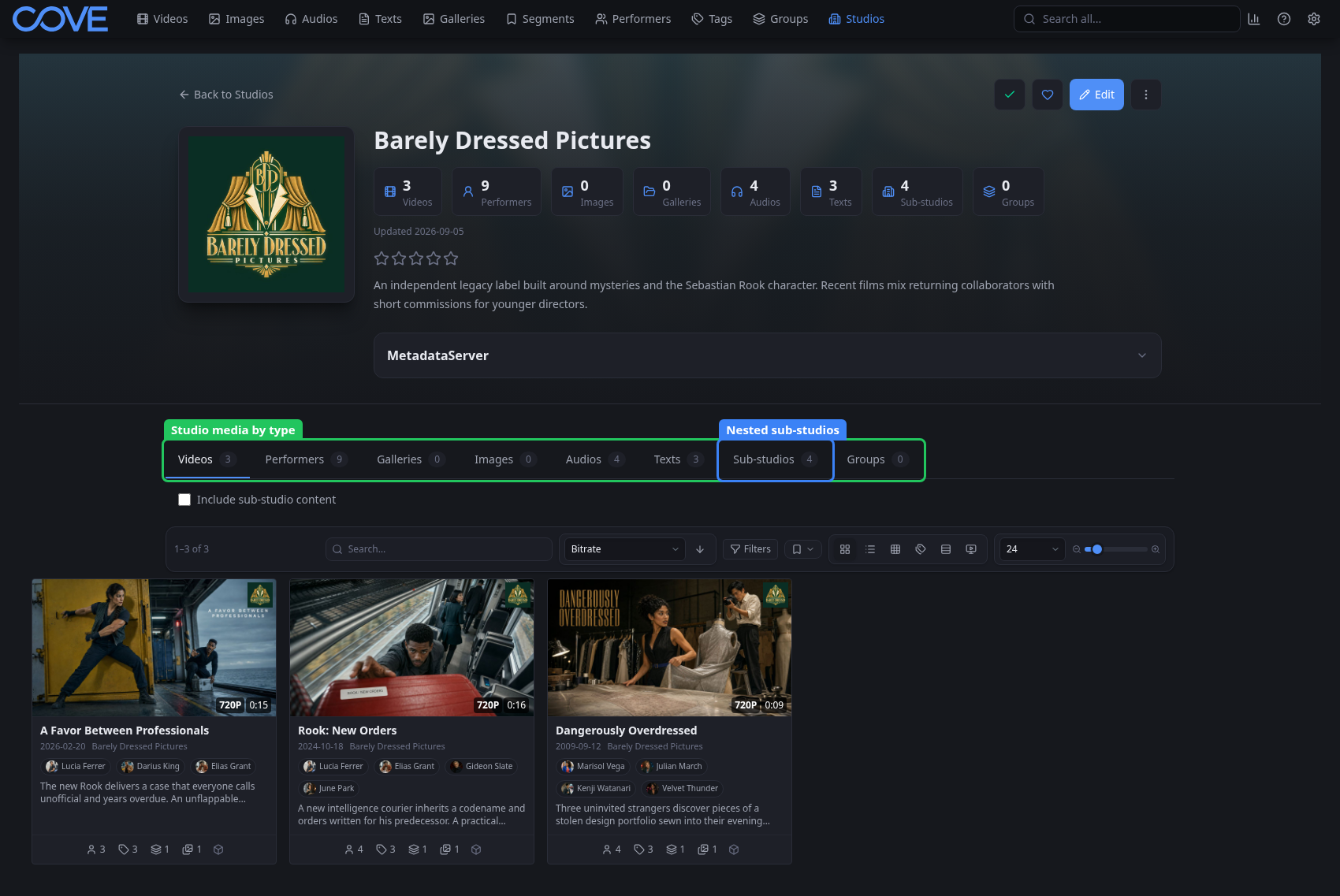
A studio represents a source or publisher for library content. Its page combines descriptive metadata with media counts and tabs, so you can move between the studio's videos, performers, galleries, images, audio, text, groups, and child studios.
Model parent and child studios
- Use Sub-studios when one label or imprint belongs beneath another studio.
- Turn on Include sub-studio content when a parent view should include media assigned to its descendants.
- Assign the most specific known studio to an item; use the hierarchy when you need the broader catalog.