Use feed, vertical, and graph views
Choose a continuous playback layout or explore how tags connect.
Browse a scrolling feed
Feed view stacks playable items in one scrolling column. Pair it with the Infinite page size when you want an uninterrupted browsing session.

Focus on one item at a time
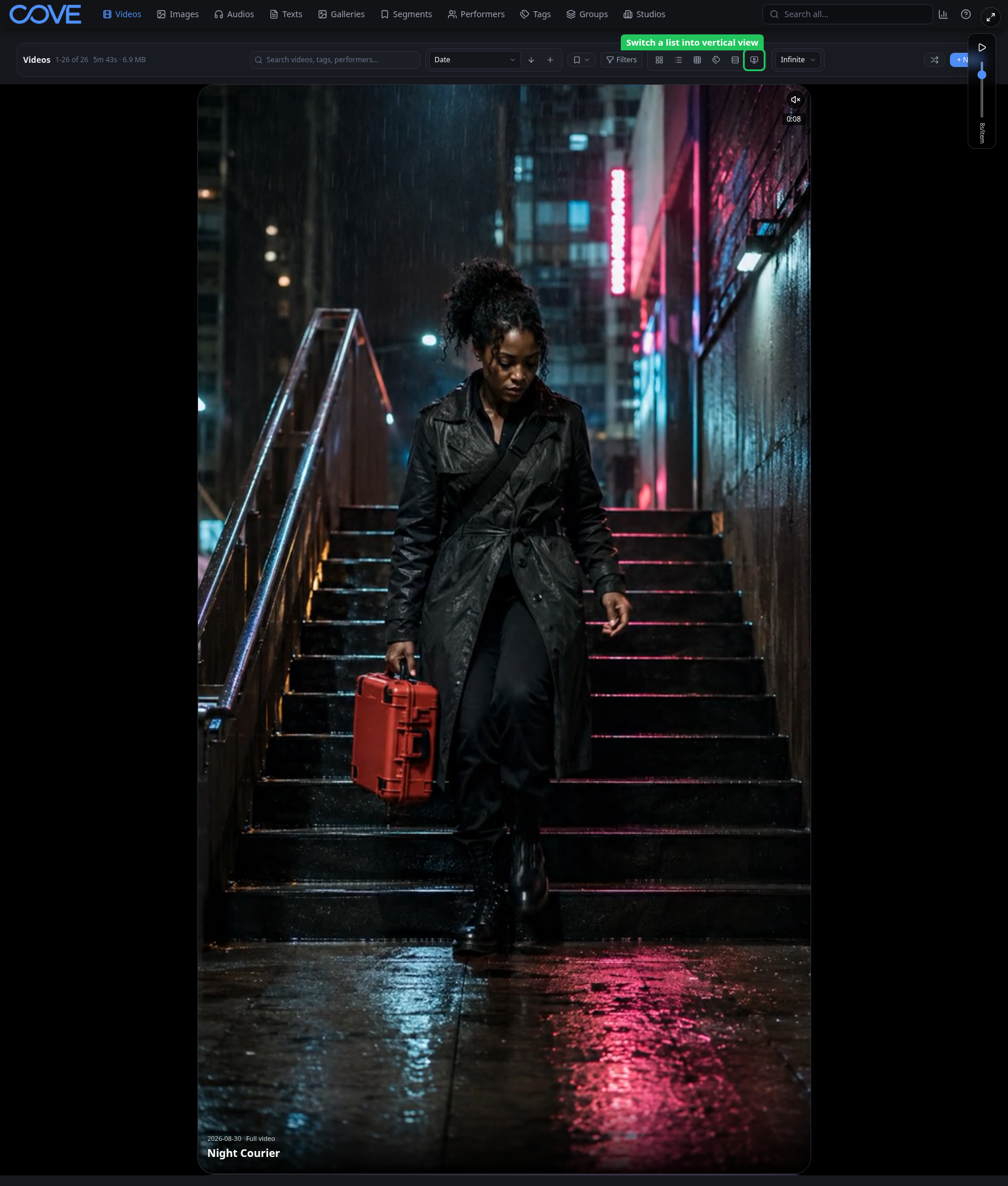
Vertical view gives one item most of the viewport and moves through the result set item by item. Use it for short-form media when a dense grid would distract from playback.
Explore relationships in the tag graph
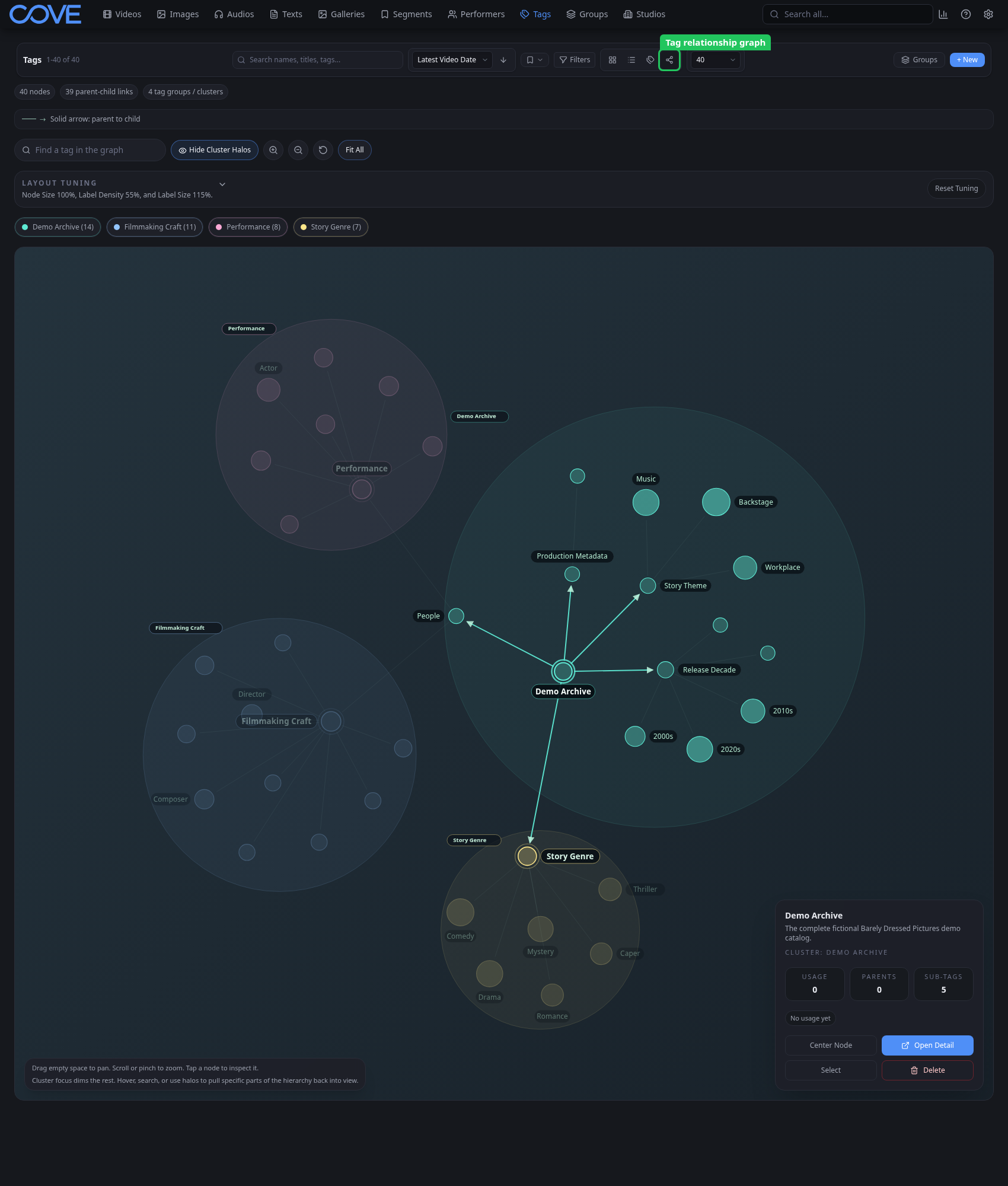
The tag graph visualizes tag relationships. Use it to find clusters, notice overlapping labels, and open a tag directly from the graph.